
 0 items –
 Commercial Catering Equipment and Supplies at Display-Fridge Wholesale Ltd
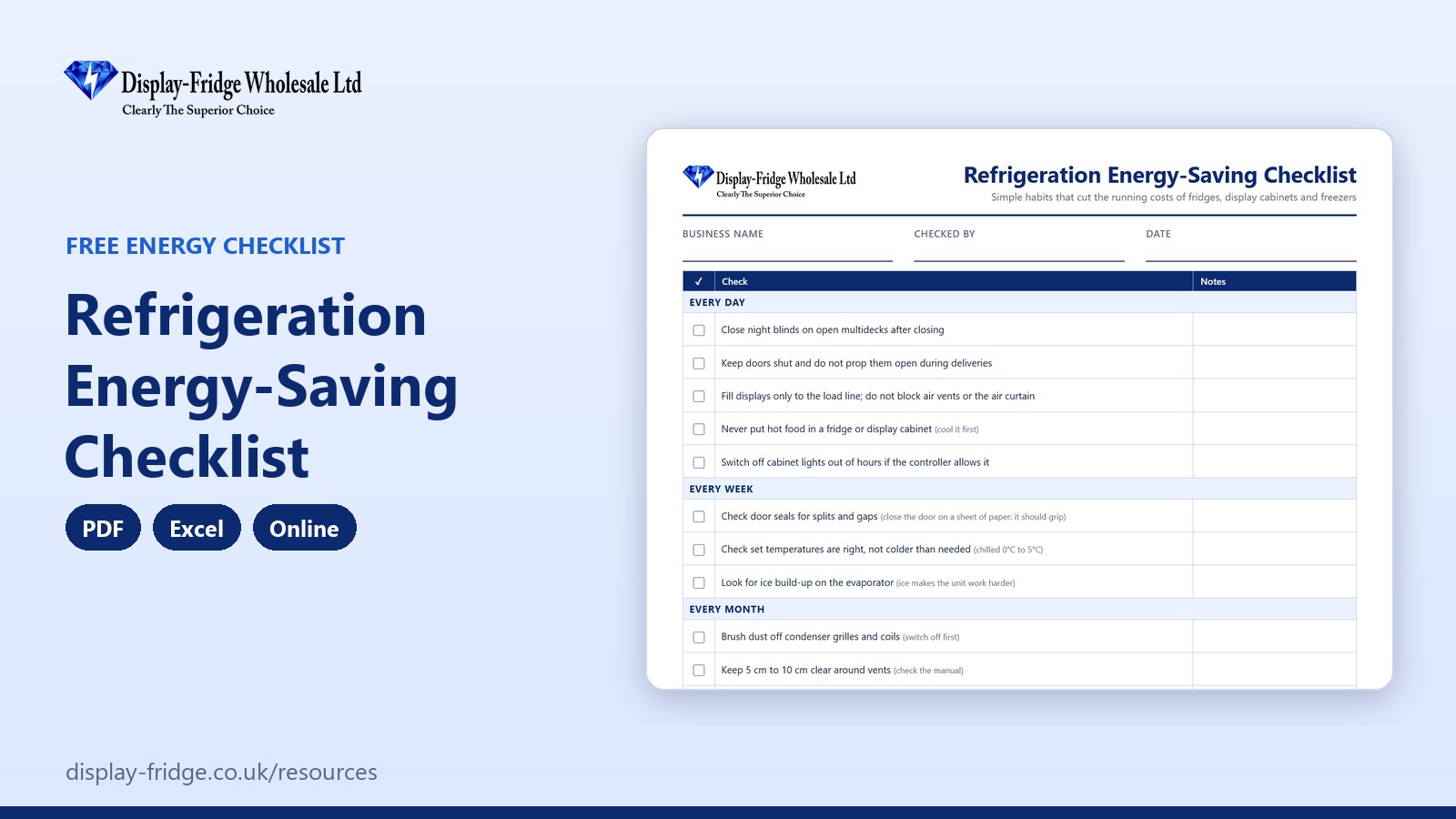
Free Refrigeration Energy-Saving Checklist
A free refrigeration energy-saving checklist for UK food businesses: daily, weekly and monthly habits that cut the running costs of your fridges, display cabinets and freezers.
Use the energy checklist online
Online Refrigeration Energy-Saving Checklist
Tap each habit to mark it Done, To do or N/A. Your score shows how many are already in place.
General guidance only; always follow the manufacturer's instructions. Entries are stored only in this browser on this device, so print them for your records.
Free tool by Display-Fridge Wholesale
Frequently asked questions
What is the refrigeration energy-saving checklist?
A list of simple daily, weekly and monthly habits, placement checks and buying tips that reduce the electricity your fridges, display cabinets and freezers use.
What is the refrigeration energy-saving checklist for?
It helps you find and fix the habits and maintenance gaps that make refrigeration more expensive to run.
Who should use the energy-saving checklist?
Owners and managers of cafés, bakeries, butchers, delis, convenience stores and pubs, and the staff who open and close each day.
What uses the most energy in a commercial fridge?
The compressor. Anything that lets warm air in, or stops the unit getting rid of heat, makes the compressor run longer: open doors, torn seals, dusty condensers, blocked vents and hot rooms.
Do night blinds really save energy?
Yes. On open multideck fridges, night blinds keep cold air in when the shop is closed, so the unit works less overnight.
Where should commercial fridges be placed to save energy?
Away from ovens, radiators, dishwashers and direct sunlight, with space around the vents for warm air to escape.
When should I use the energy-saving checklist?
Go through it once to set up good habits, then use the weekly and monthly checks as a routine. Check again whenever bills rise.
What temperature should a fridge be set to for energy saving?
Between 0°C and 5°C. Running colder than needed uses more energy without making food safer.
How does the energy-saving checklist help my business?
It lowers electricity bills, reduces wear on compressors and fans, and helps units hold temperature, which also protects your food.
Is the online energy-saving checklist saved?
Yes, in the browser on your device only. Nothing is sent to us.
Your business with our energy-saving checklist, and without
| Using our energy-saving checklist | Without it | |
|---|---|---|
| Daily habits | Night blinds, doors and load lines checked every day | Doors propped open and displays overfilled |
| Maintenance | Seals and condensers checked on a schedule | Dust and torn seals raising bills all year |
| Placement | Units away from heat with clear vents | Fridges next to ovens and in the sun |
| Buying | Energy use compared before you choose | Cheap units that are expensive to run |
| Your score | See how many good habits are in place | No idea where the savings are |
| Format | PDF, Excel and online, free | Good intentions, not routines |
Why refrigeration is worth looking at first
Refrigeration runs 24 hours a day, every day of the year, which makes it one of the biggest electricity users in most food shops, cafés and bakeries. Unlike lighting or heating, it cannot simply be switched off, so the savings come from helping each unit work less hard. The running cost calculator shows what your units cost now; this checklist shows how to bring that down.
Habits that cost nothing
- Close night blinds on open multidecks after closing.
- Keep doors shut and never prop them open during deliveries.
- Fill displays only to the load line and keep the air curtain clear.
- Never put hot food in a fridge.
- Set temperatures correctly: colder than needed costs more without making food safer.
Maintenance that pays for itself
A dusty condenser and a split door seal are two of the most common causes of wasted energy. Brushing the condenser monthly and checking seals weekly takes minutes. Our guide to making a commercial refrigerator more energy efficient goes into more detail.
Where units stand
A fridge next to an oven, in direct sunlight or under a heater outlet works much harder than one in a cool, ventilated spot. Moving a unit a metre or two, or clearing boxes from around its vents, can make a real difference.
When it is time to replace
Older units often use far more energy than modern ones with LED lighting, efficient fans and natural refrigerants such as R290. Glass doors also keep cold air in better than an open front, as our comparison of open merchandisers and glass door fridges explains.
How to use the energy-saving checklist, step by step
See your energy score
The score shows the share of relevant habits already in place, with the number still to do.

Energy score and habits done Go through each habit
Tap a habit once for Done, twice for To do, three times for N/A. Add a note for anything that needs action, such as asking your engineer to set a lights-off timer.
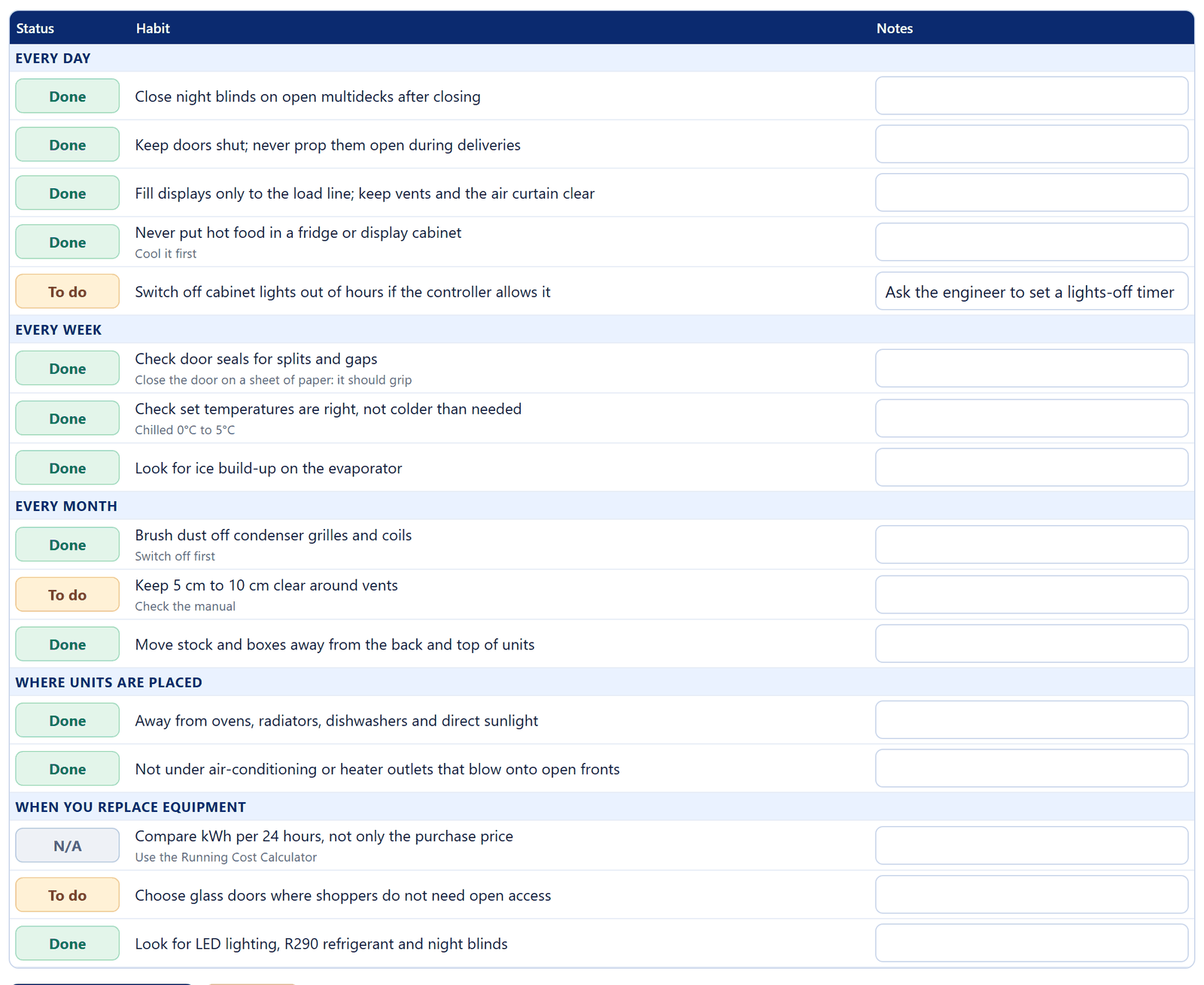
Daily, weekly and monthly habits marked Done or To do Work on the To do list
Start with the free habits: night blinds, doors and load lines. Then add the weekly and monthly checks to your cleaning schedule.
Print it for the team
Print the checklist or save it as a PDF, and go through it at a team meeting.

Print and clear buttons
Find out what your fridges cost
Look up each unit’s energy use in kWh per 24 hours on the specification sheet or rating plate, then use the running cost calculator to see the cost per day, month and year, and how quickly a more efficient unit would pay for itself.
Parts that help
Replacing worn door gaskets, fitting night blinds and switching to LED lighting are among the cheapest upgrades for older units.
Related free resources
- Running Cost Calculator: see what each unit costs to run.
- Commercial Fridge Cleaning Schedule: the cleaning tasks that keep units efficient.
- Commercial Fridge Buying Checklist: choose an efficient unit when it is time to replace.
- All free resources.
General guidance only. Always follow the manufacturer’s instructions for your equipment.